Built for iPhone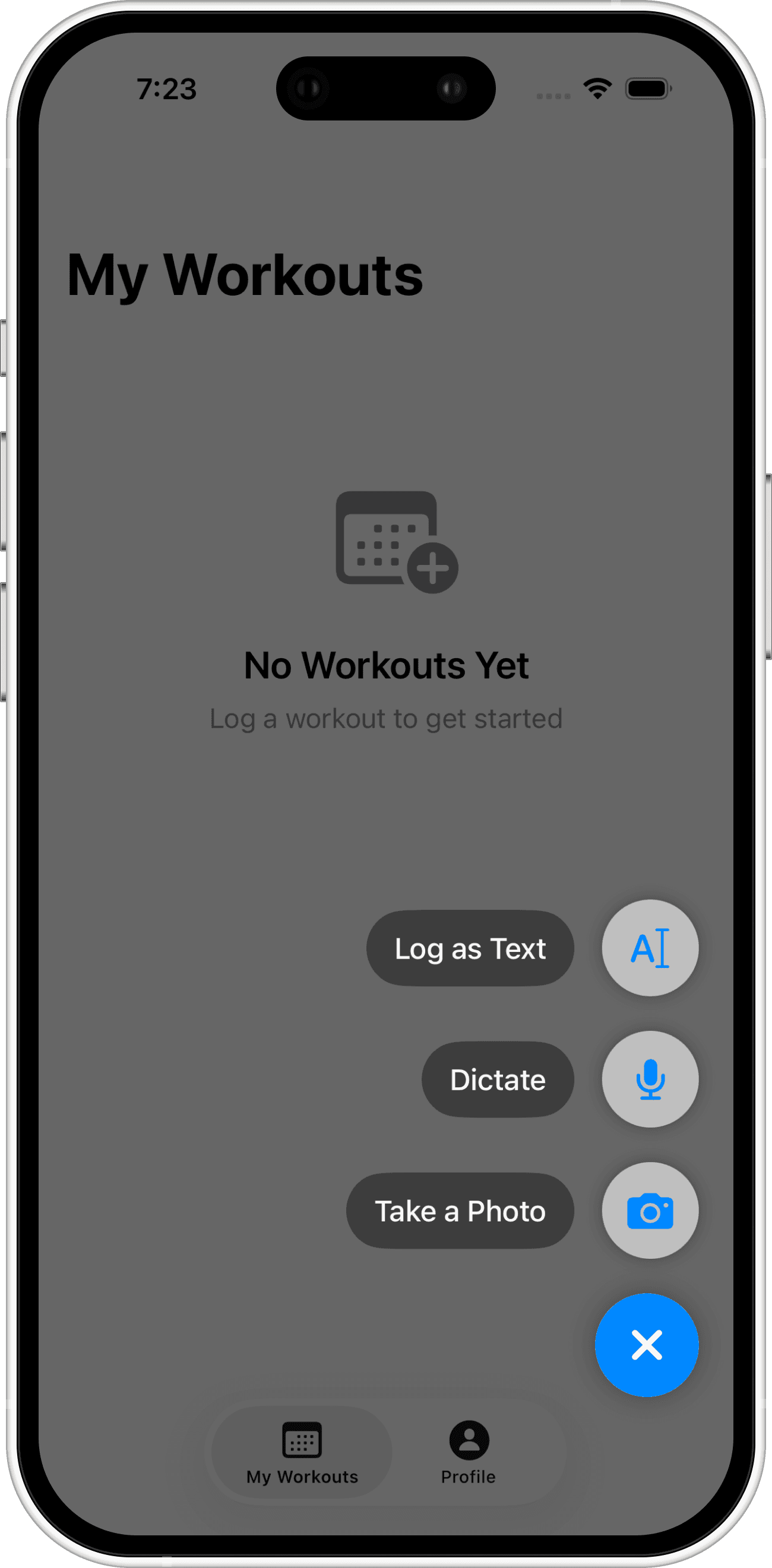
Your workout log, without the fiddly logging
Capture a workout from a photo, voice note, plain text, or a quick manual entry. Review what was recognized, save it, and keep your training history in one place.
Log the way that fits the moment
Use the fastest input at the gym, then stay in control of what gets saved.
Photo
Snap handwritten notes or a workout whiteboard and turn them into editable sets and reps.
Voice or text
Speak a quick training recap or paste rough notes when taking a photo is not convenient.
Manual entry
Add exercises, sets, reps, weight, and duration directly whenever precision matters most.
From rough note to useful history
AI helps with the tedious transcription. You review the result before it becomes part of your log.
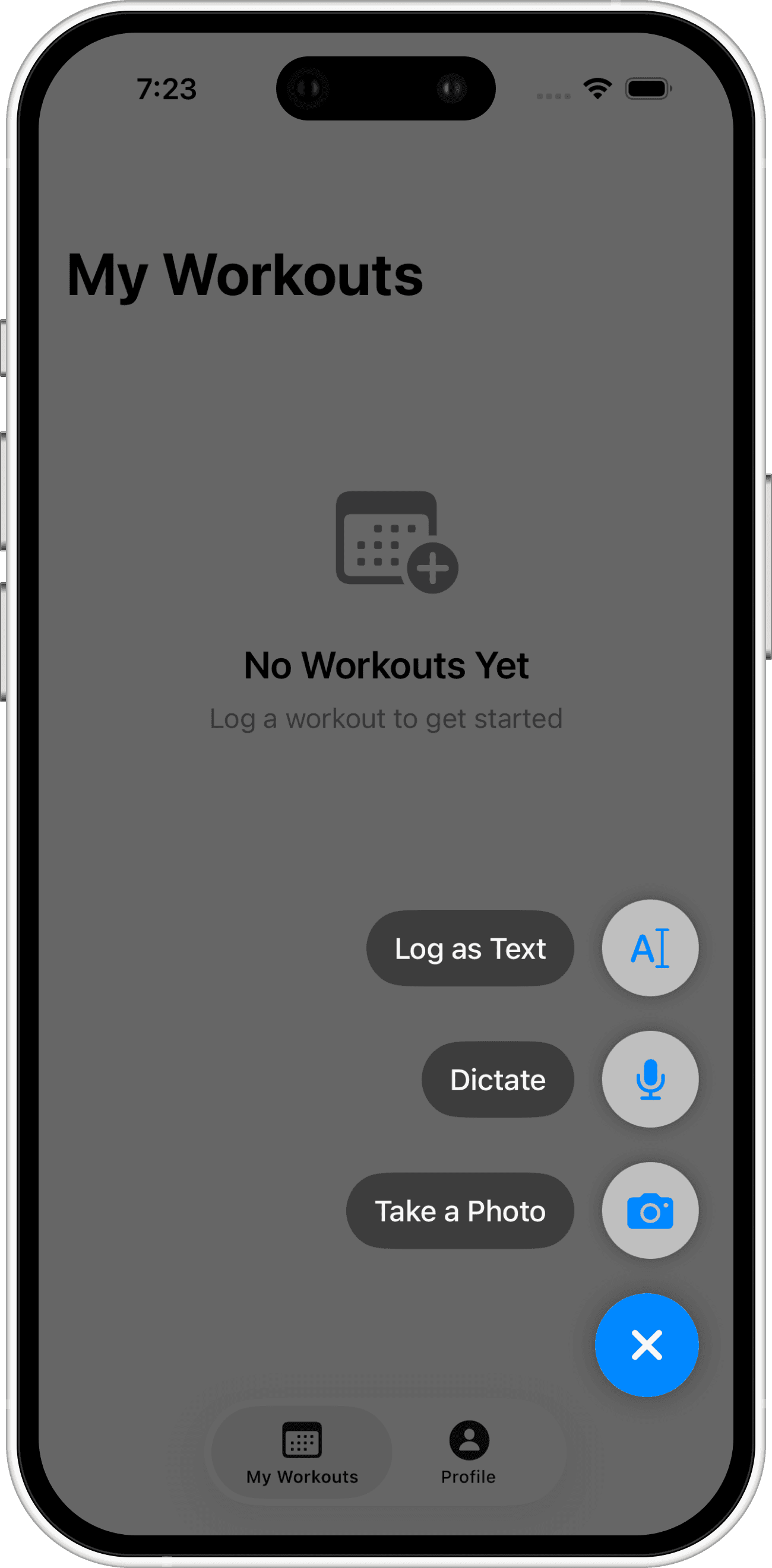
1. Capture
Use a photo, voice note, text, or the manual workout editor.
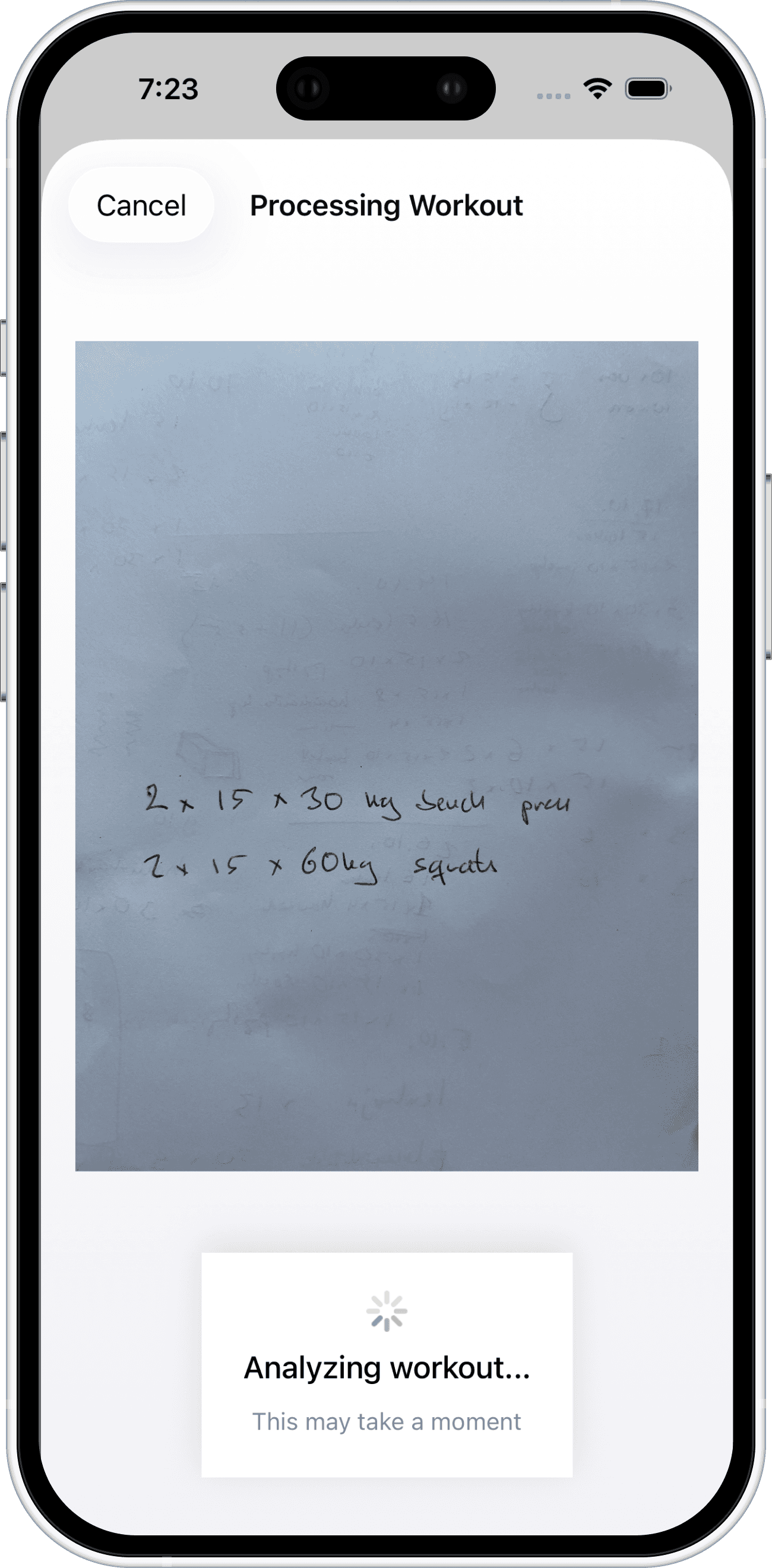
2. Review
Check the extracted exercises, sets, reps, and weights and correct anything that needs attention.
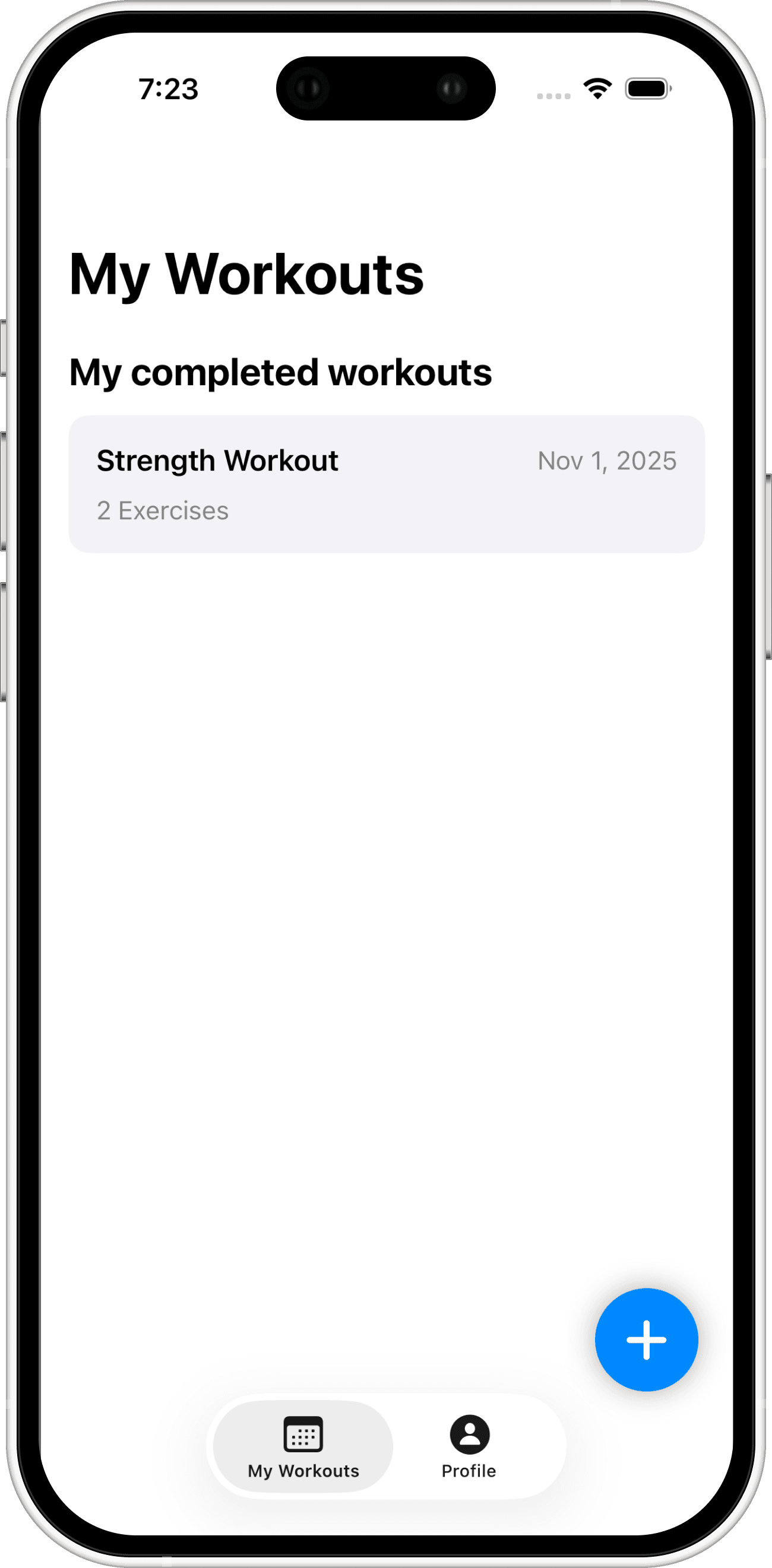
3. Build history
Save the workout and return to a clear record of your training over time.
Review before saving
Recognition can make mistakes. MyWorkoutLog keeps the extracted workout editable so you can verify it before it enters your history.
A history you can build on
Keep workouts organized in one account, retry interrupted processing, and preserve prior history if a sync request fails.
Frequently asked questions
Start a workout history you will actually keep
MyWorkoutLog is preparing for its first public users on iPhone.